

Home > GeoBox Immersive Spaces > Video Wall Processors
Edge Blending | Projection Mapping | Image Warping | Video Wall Processors | Multi-View Switchers & Splitters | 3D Processors
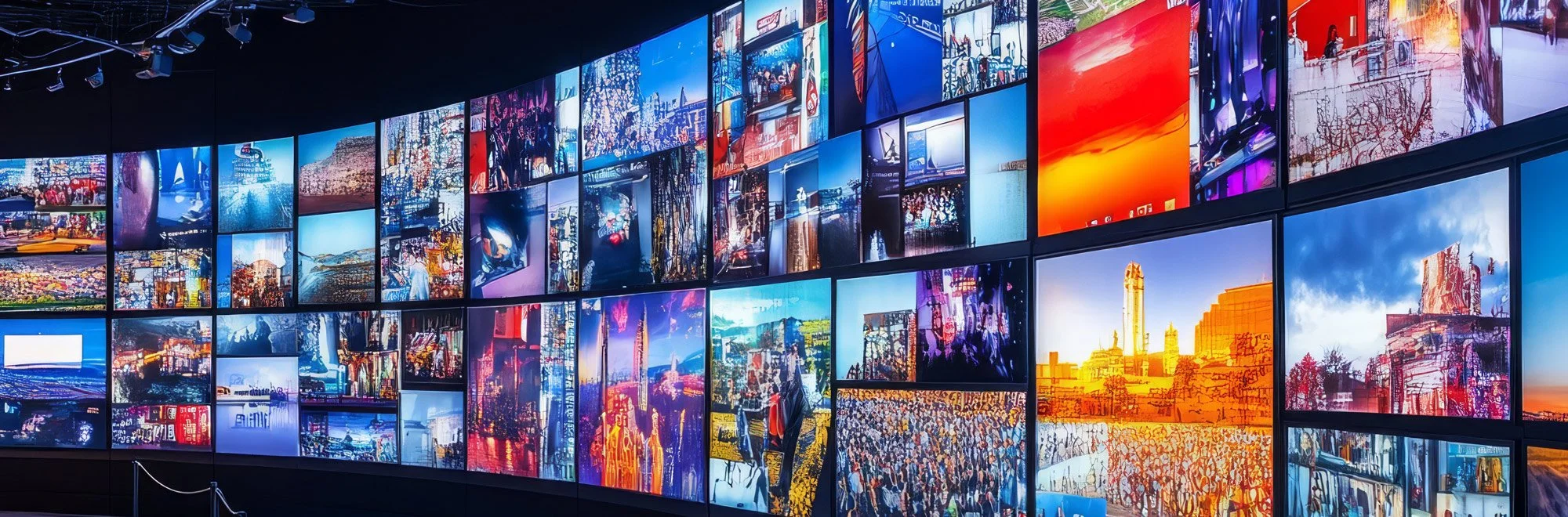

GeoBox Video Wall Processors | 4K & 8K Controllers, No Splitter Needed

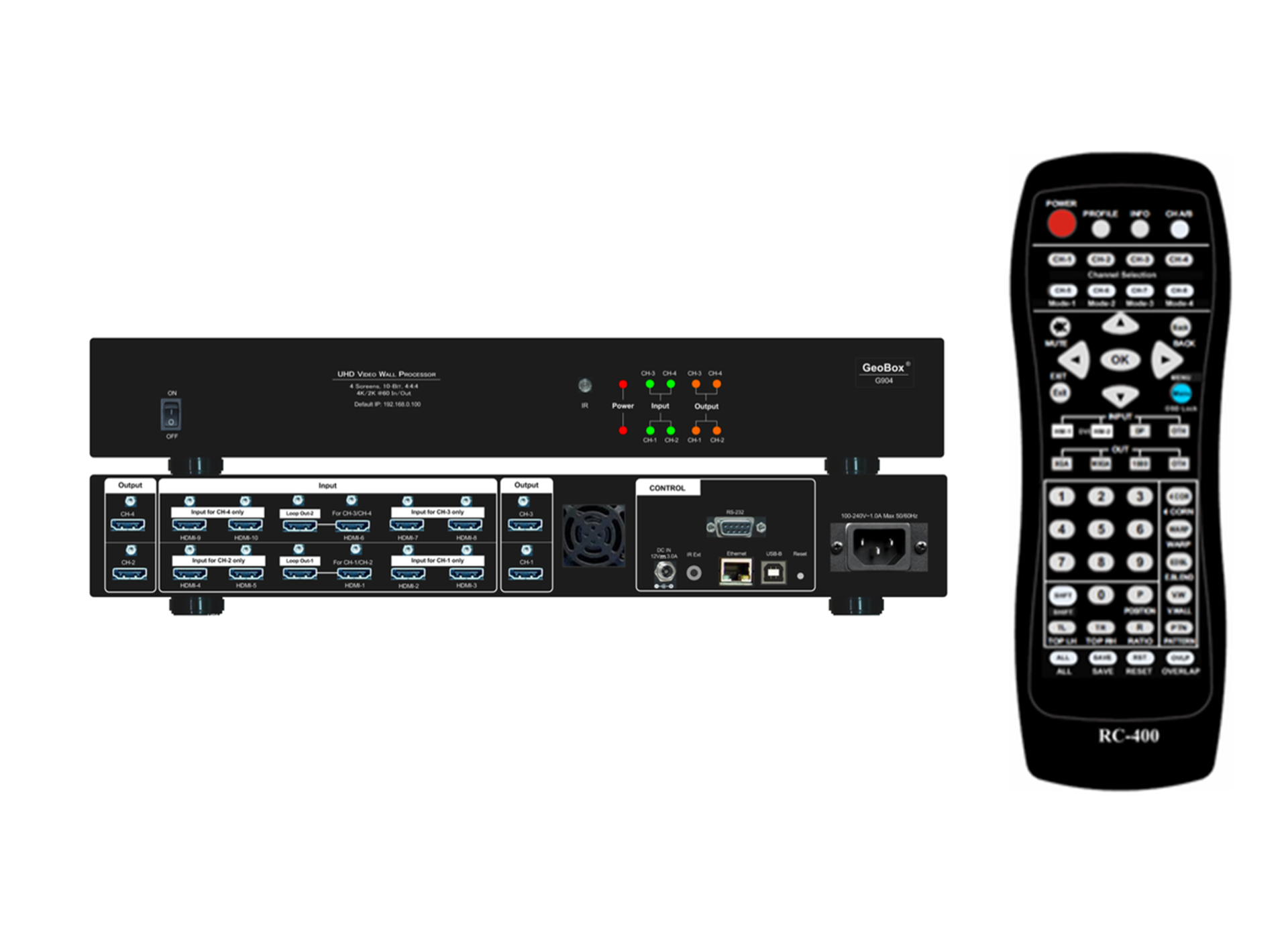




About GeoBox Video Wall Processors
GeoBox video wall controllers split a single source across a grid of displays — 2×2, 3×3, 4×4, or irregular arrangements — with image splitting, cropping, scaling, rotation, and bezel compensation all handled inside the unit, so no separate splitter or PC software is required. Each processor drives its outputs independently, supports portrait and landscape mixes, and cascades to larger walls through HDMI loop-out ports, letting you scale by daisy-chaining additional units. Everything is a standalone, one-box solution: layouts are configured over IR remote, an RS-232/Ethernet PC tool, or a built-in WebGUI, then run 24/7 on dedicated hardware with no host computer in the signal path.
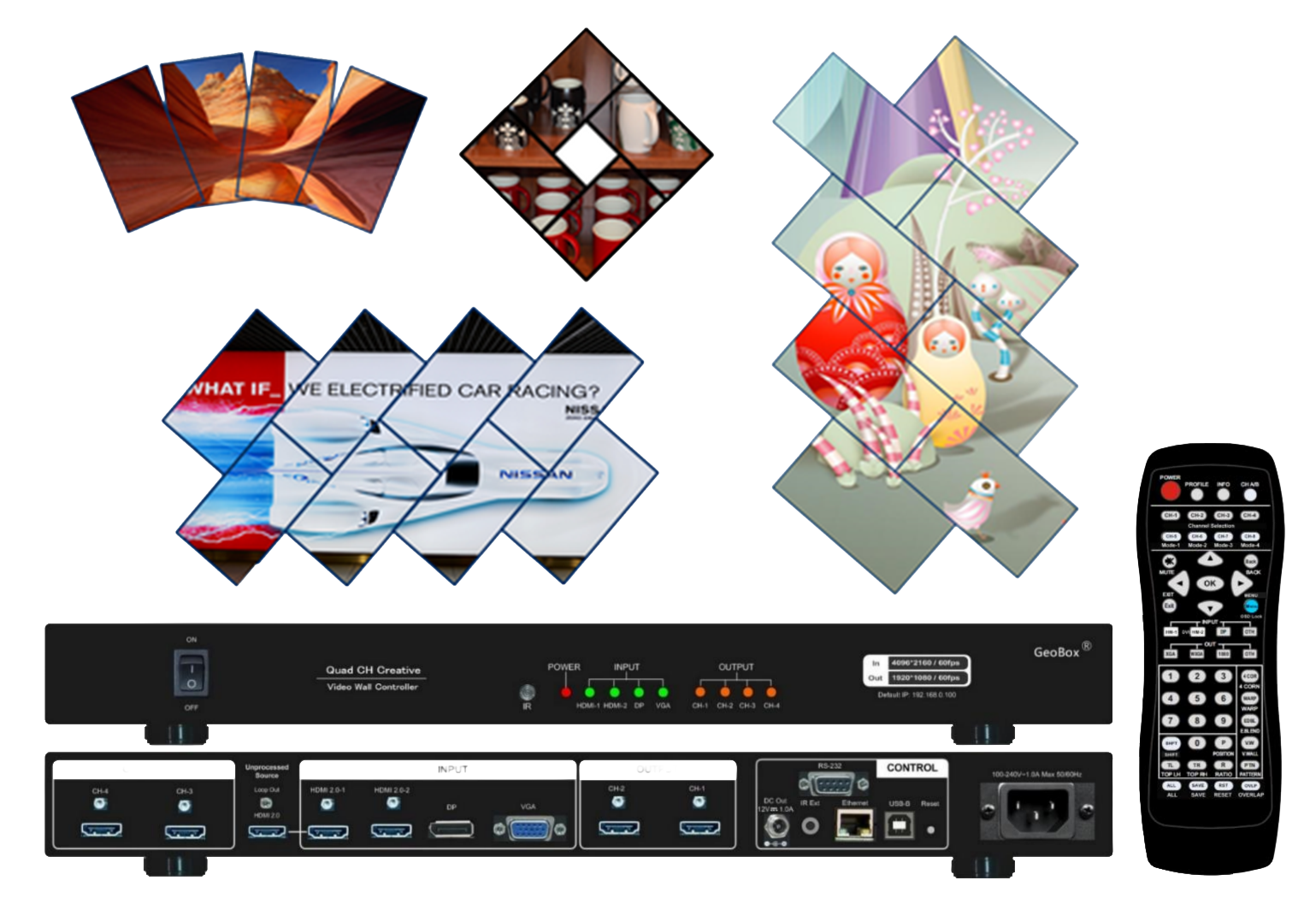
The range covers 2-, 4-, and 8-channel 4K controllers, 8K-in models with an integrated multi-viewer (G902, G904), and a creative controller for angled and offset walls (G413) — all TAA compliant for government, control-room, and mission-critical installations.
Choosing the Right GeoBox Video Wall Processor
Start with the number of displays, then decide whether you need 8K-in, a multi-viewer, or creative/irregular layouts.
2-channel entry (G406S): A 2-channel 4K-in/out controller for dual-monitor walls that scales up to small arrays through cascading. Choose the G406S for the most cost-effective entry into a GeoBox video wall.
4-channel 4K (G406, G406Lite): Four-output 4K-in/out controllers for 2×2 and mixed portrait/landscape walls. The G406 adds a 2×4 matrix switch and ±1800-pixel position alignment for bezel compensation and irregular layouts; the G406Lite is the streamlined true-4K/2K version driving four FHD monitors pixel-to-pixel. Choose these for standard four-screen walls, with the G406 when you need matrix switching or asymmetric layouts.
8-channel (G408): An 8-output controller taking four 4K/2K inputs; two G408 units cascade through loop-out to build a pixel-to-pixel 8K/4K wall of up to 16 FHD monitors, with independent per-output rotation, scaling, and cropping. Choose the G408 for large arrays beyond four screens.
8K-in with multi-viewer (G902, G904): Higher-resolution controllers that accept 8K-class input and output 4K per channel with an integrated multi-viewer. The G902 is 2-channel and adds a 4K 3D demultiplexer (no warping); the G904 is 4-channel. Choose these when the source is 8K or operators need a monitoring overlay.
Creative / irregular (G413): A 4-screen controller purpose-built for angled, offset, and rotated "creative" walls, with per-screen display angle, aspect ratio, and cropping, plus a looping playback function for seamless preset changes. Choose the G413 for artistic and retail installations where displays aren't in a regular grid.
Key selection variable: display count and layout type. Pick 2-channel (G406S) → 4-channel (G406/G406Lite) → 8-channel (G408) by screen count; step to G902/G904 for 8K sources or a multi-viewer, and to the G413 for non-grid creative walls.
Frequently Asked Questions
What does a GeoBox video wall controller do?
It takes one or more sources and splits the image across multiple displays as a single large picture, handling cropping, scaling, rotation, aspect ratio, and bezel compensation internally. Each output is driven independently, so displays can be mixed portrait and landscape and arranged in regular or irregular layouts.
Do I need an external splitter or PC software to run a GeoBox video wall?
No. Image splitting and all layout processing are built into the controller, and configuration is done over IR remote, an RS-232/Ethernet PC tool, or a built-in WebGUI. Once set, the wall runs 24/7 on dedicated hardware with no host computer or resident software in the signal path.
How do I build a larger wall like 3×3 or 4×4?
GeoBox controllers cascade through HDMI loop-out ports, so multiple units daisy-chain to drive 3×3, 4×4, or larger arrays. For example, two G408 units combine to produce a pixel-to-pixel 8K/4K wall of up to 16 FHD monitors, each output independently cropped and scaled.
Which controller should I choose for the number of screens I have?
Use the G406S for a 2-screen wall, the G406 or G406Lite for four screens, and the G408 for eight — cascading units for anything larger. Choose the G902 or G904 when the source is 8K or you need a multi-viewer, and the G413 for creative, non-grid layouts.
What is the difference between the G406 and the G406Lite?
Both are 4-channel 4K-in/out controllers. The G406 adds a 2×4 matrix switch and ±1800-pixel position alignment for bezel compensation and asymmetric layouts, giving more switching and layout flexibility. The G406Lite is the streamlined true-4K/2K version that drives four FHD monitors pixel-to-pixel without the matrix switch — a simpler, lower-cost four-screen wall.
Can GeoBox controllers create portrait or irregular "creative" video walls?
Yes. All support mixed portrait and landscape orientations with bezel compensation. For angled, offset, or rotated non-grid walls, the G413 is purpose-built, with per-screen display angle, aspect ratio, and cropping plus looping playback for seamless preset changes.