

Streaming & Capture Solutions | Live Streaming, HDMI-to-USB Capture

Professional Streaming and Capture Solutions
Professional video capture and live streaming hardware bridges the gap between HDMI sources and the software-defined workflows modern AV, broadcast, and content production teams depend on. VigilLink's Streaming & Capture product line covers two distinct use cases: compact USB video capture cards that bring HDMI sources directly into recording and conferencing software on a connected computer, and standalone multi-source streaming systems that encode and distribute live content to streaming platforms and local networks without requiring a dedicated PC.
Whether you need a plug-and-play 1080p capture card for a single camera feed, a 4K60 USB 3.0 device for high-resolution lecture capture or esports production, or an integrated streaming system that handles multi-source switching and encoding in a single unit, VigilLink offers purpose-built hardware for every production scale — from individual content creators to enterprise AV teams managing large-format events.
Why Choose VigilLink Streaming & Capture Products?
Universal UVC compatibility — USB capture cards work driver-free on Windows, macOS, and Linux with OBS Studio, Zoom, Teams, Webex, vMix, Wirecast, and any UVC-compatible application
Simultaneous capture and pass-through — 4K60 HDMI pass-through outputs the full source signal to a connected monitor at native resolution while simultaneously capturing to the host computer via USB 3.0
Bus-powered, zero-configuration operation — USB capture cards require no external power supply and no software installation, simplifying deployment in managed IT environments
RTMP streaming to all major platforms — standalone streaming systems output directly to YouTube Live, Twitch, Facebook Live, Vimeo Live, and enterprise platforms via standard RTMP without a dedicated streaming PC
Multi-source switching in a single unit — VLSM streaming systems integrate source switching, mixing, encoding, and streaming output, eliminating the need for separate capture cards, computers, and streaming software in event production workflows
Broadcast-quality encoding — H.264 and H.265 hardware encoding delivers consistent output quality without placing encoding load on a connected computer's CPU
Choosing the Right Streaming & Capture Solution
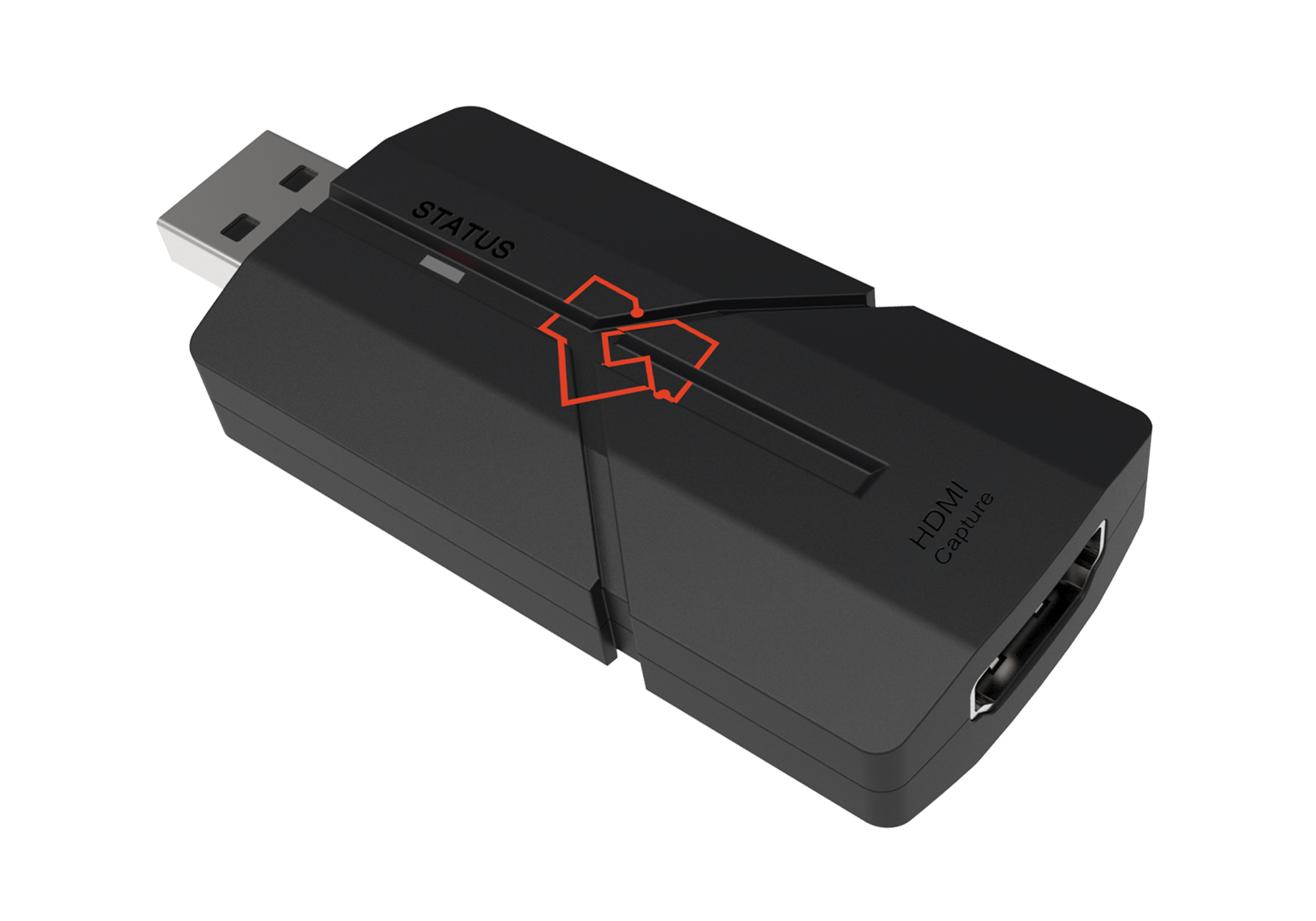
VLUC-USB22K: 1080p HDMI to USB 2.0 Video Capture
A compact, bus-powered capture card that converts any HDMI source up to 1080p60 into a standard USB camera input — no drivers, no external power. Choose the VLUC-USB22K for single-camera conferencing, classroom lecture capture, and any 1080p workflow on a connected PC.
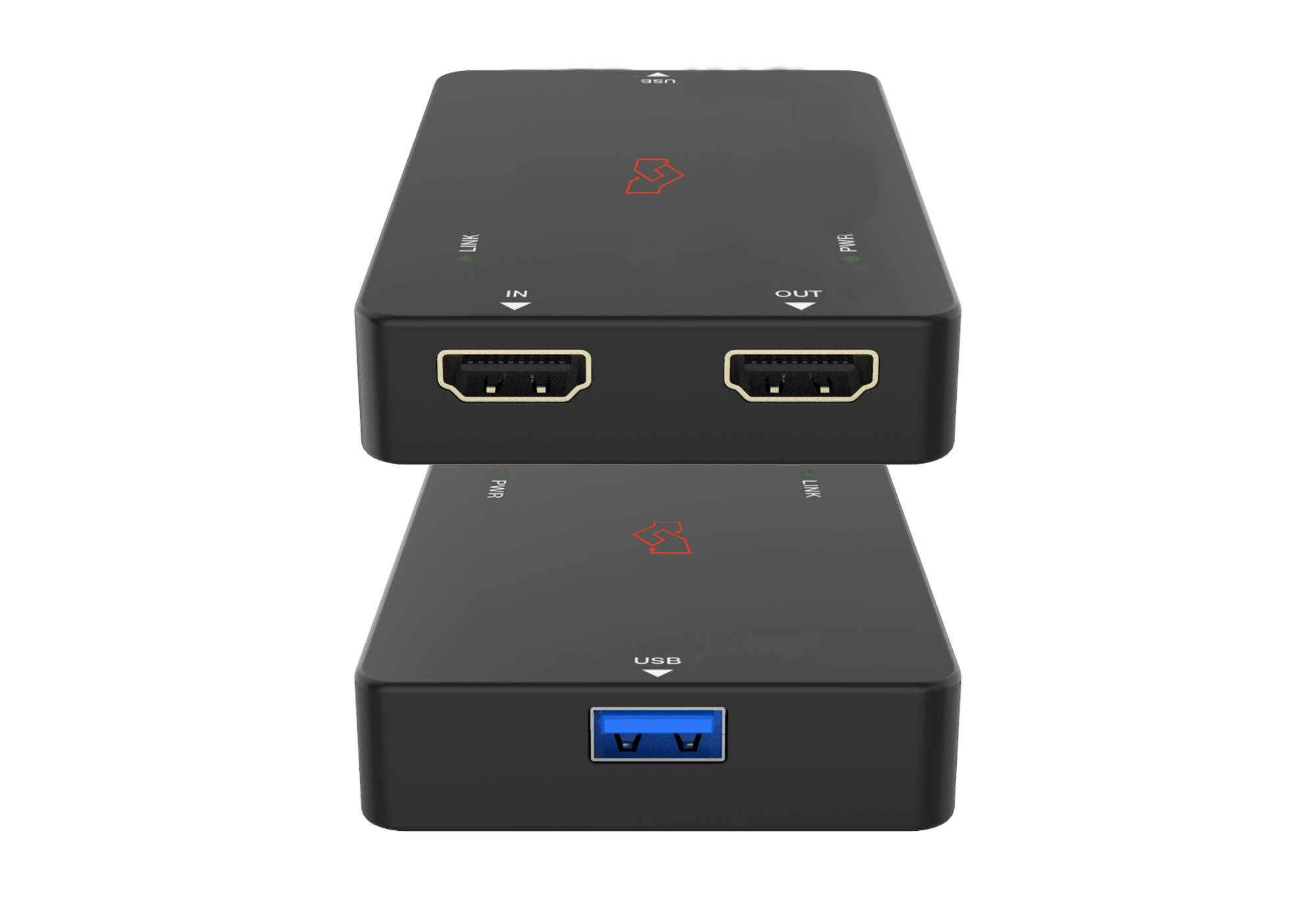
VLUC-USB34K: 4K60 HDMI to USB 3.0 Video Capture
Upgrades to 4K60 capture over USB 3.0 with simultaneous HDMI pass-through to a connected monitor at full resolution. Choose the VLUC-USB34K for 4K PTZ cameras, game capture from PlayStation 5 or Xbox Series X, and professional production workflows where source quality cannot be compromised.
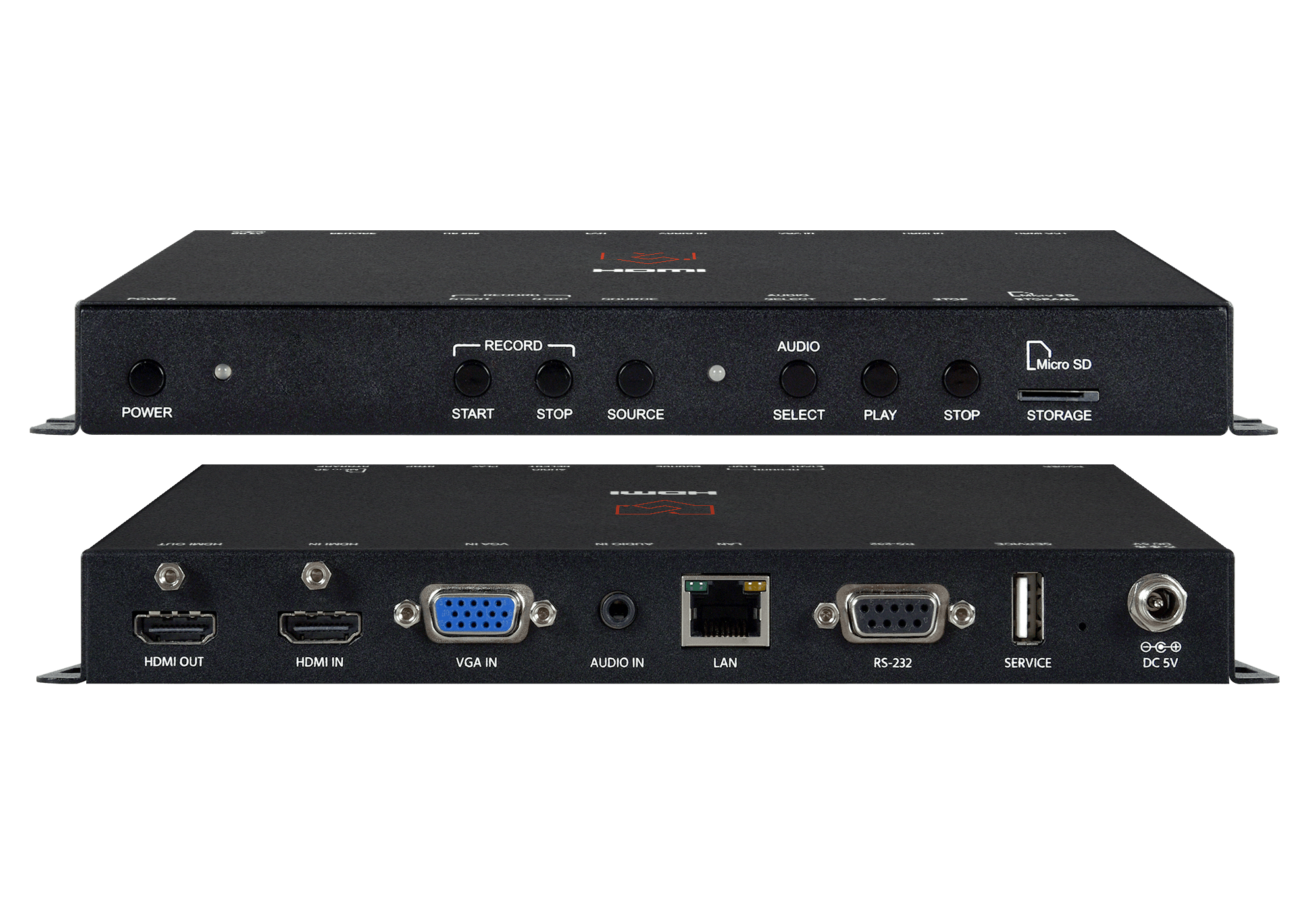
VLSM-4KH10V-4FS: HDMI Video / Live Streamer
A standalone streaming encoder that outputs directly to YouTube Live, Twitch, Facebook Live, and any RTMP platform without a connected PC. Choose the VLSM-4KH10V-4FS for single-source house-of-worship broadcasts, corporate live events, and recurring streams managed by non-technical operators.
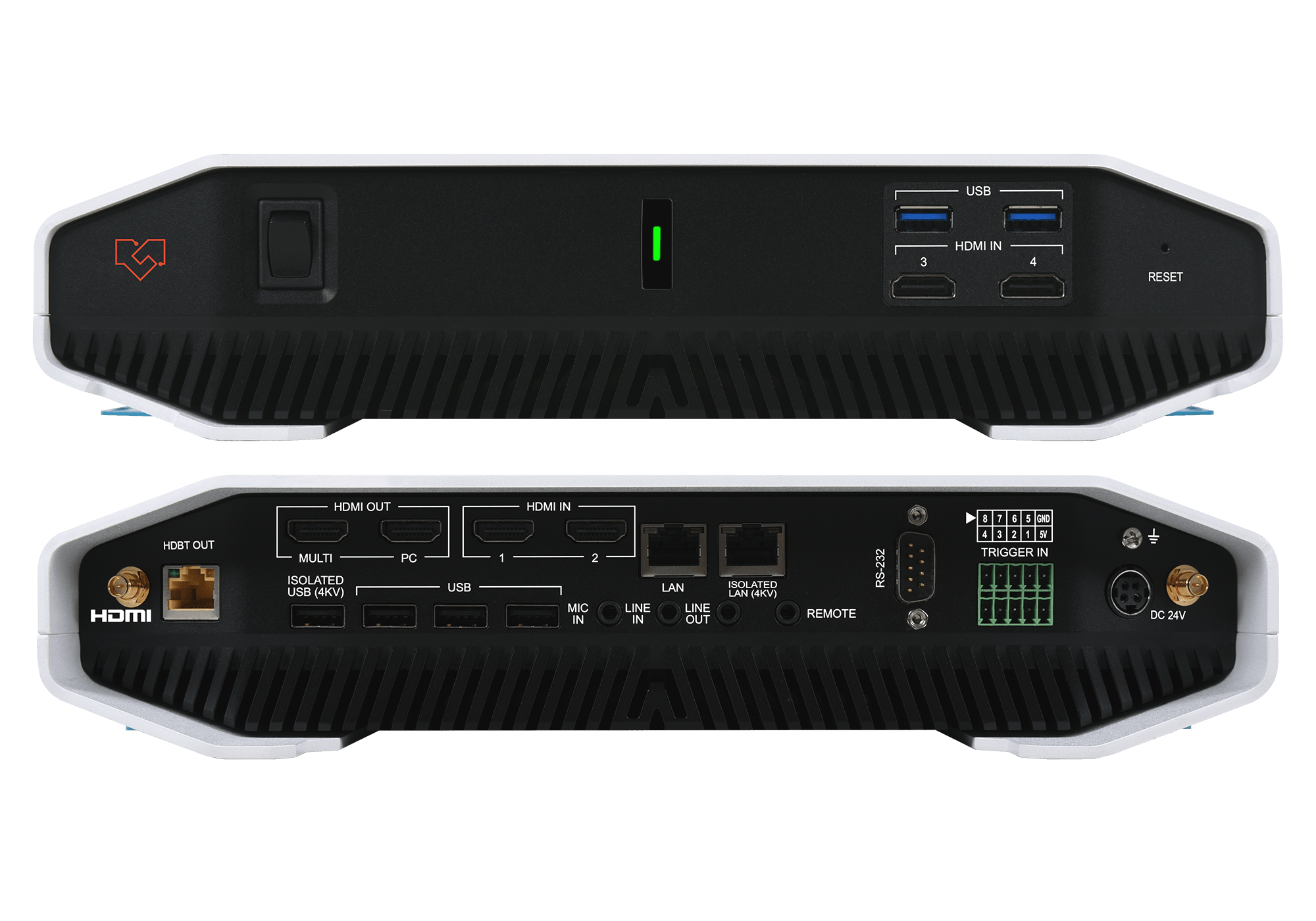
VLSM-4x3P4K-SR: Multi-Viewer with Streaming & Stand-Alone Capture System
An integrated system combining multi-source switching, multi-viewer display, live streaming, and local recording in a single unit with a built-in Windows PC platform. Choose the VLSM-4x3P4K-SR for full event production — conferences, town halls, and live performances — where multiple sources need to be switched, streamed, and recorded simultaneously.
Ideal Applications
Corporate Communications & Live Events
USB capture cards integrate PTZ cameras, document cameras, and room system outputs directly into Microsoft Teams, Zoom, and Webex as high-quality video sources for executive briefings and all-hands meetings. For larger events, the VLSM-4X3P4K-SR manages multi-source switching with simultaneous streaming and recording of town halls and product launches without a dedicated broadcast engineer or production PC.
Higher Education Lecture Capture & Distance Learning
The VLUC-USB22K and VLUC-USB34K connect to any capture workstation via USB with no drivers or IT provisioning required, feeding lecture video directly into Panopto, Kaltura, and Echo360. For live lecture broadcasts, the VLSM-4KH10V-4FS streams directly to YouTube Live or institutional platforms without a streaming PC at the podium.
Esports, Gaming & Content Creation
The VLUC-USB34K captures full 4K60 from PlayStation 5, Xbox Series X, and gaming PCs for streaming to Twitch or YouTube, while simultaneous HDMI pass-through ensures zero latency for the player on their gaming monitor. The UVC driver-free design works immediately with OBS Studio, XSplit, and any streaming application without additional configuration.
House of Worship & Community Broadcasting
The VLSM-4KH10V-4FS streams services directly to YouTube Live and Facebook Live without a dedicated streaming computer, enabling volunteer AV teams to manage recurring weekly broadcasts from the device itself. For larger venues with multiple camera positions, the VLSM-4X3P4K-SR adds multi-source switching and simultaneous record-and-stream capability.
Broadcast & Production
The VLUC-USB34K's 4K60 USB 3.0 capture ingests camera feeds, switcher outputs, and replay signals into NLE and streaming pipelines, with a compact bus-powered form factor that fits cleanly into OB van and rack environments where PCIe capture cards are impractical.
Frequently Asked Questions
What is a USB video capture card and how does it work?
A USB video capture card converts an HDMI signal into a USB video stream that a connected computer receives as a standard camera input. The device appears as a UVC (USB Video Class) camera — compatible with Zoom, Teams, OBS Studio, vMix, and any UVC application — without drivers or additional software.
What is the difference between the VLUC-USB22K and VLUC-USB34K?
The VLUC-USB22K captures up to 1080p60 over USB 2.0 — ideal for conferencing and lecture capture. The VLUC-USB34K captures up to 4K60 over USB 3.0 and adds HDMI pass-through, outputting the full 4K signal to a connected monitor at native resolution while simultaneously capturing to the host computer. Choose the USB22K for 1080p workflows; choose the USB34K for 4K production or game capture.
Do VigilLink capture cards require drivers?
No. Both VLUC capture cards are UVC-compliant and appear instantly as video input devices on Windows, macOS, and Linux with no driver installation — plug in via USB and select the device in any compatible application.
What is the difference between a USB capture card and a standalone streaming system?
A USB capture card converts HDMI to USB and relies on a connected PC for encoding and streaming. A standalone streaming system like the VLSM series integrates encoding, switching, and streaming output in a single device that operates without a PC — better suited for live event environments where software reliability and operational simplicity are critical.
What streaming platforms do VigilLink streaming systems support?
VigilLink standalone streaming systems support all RTMP-compatible platforms including YouTube Live, Twitch, Facebook Live, Vimeo Live, and enterprise platforms such as Kaltura and Panopto. Some systems also support RTSP output for simultaneous local network distribution.
Can I capture 4K while simultaneously outputting to a 4K monitor?
Yes. The VLUC-USB34K passes the full 4K signal through to a connected monitor at native resolution and frame rate with no added latency, while simultaneously capturing to the host computer via USB 3.0.
What computer specs are needed for 4K USB capture?
The VLUC-USB34K requires a USB 3.0 port, a multi-core CPU capable of real-time 4K decoding, and — for live 4K streaming — a GPU with hardware encoding support (NVIDIA NVENC, AMD VCE, or Intel Quick Sync). The VLUC-USB22K works on any standard business laptop with a USB 2.0 port.
Can I use a VigilLink capture card with OBS Studio?
Yes. Both VLUC capture cards appear as a Video Capture Device source in OBS Studio. Select the device, configure resolution and frame rate, and stream to any RTMP destination or record locally — no additional plugins or configuration required.