

Home > KVM Solutions > Single Monitor KVM Switchers
Single Monitor KVM Switchers | Dual Monitor KVM Switchers | Dual-Head 10G Fiber KVM Extenders
Single Monitor KVM Switchers | 4K60 & 8K HDMI, Multiviewer, USB-C




About Single-Monitor KVM Switchers
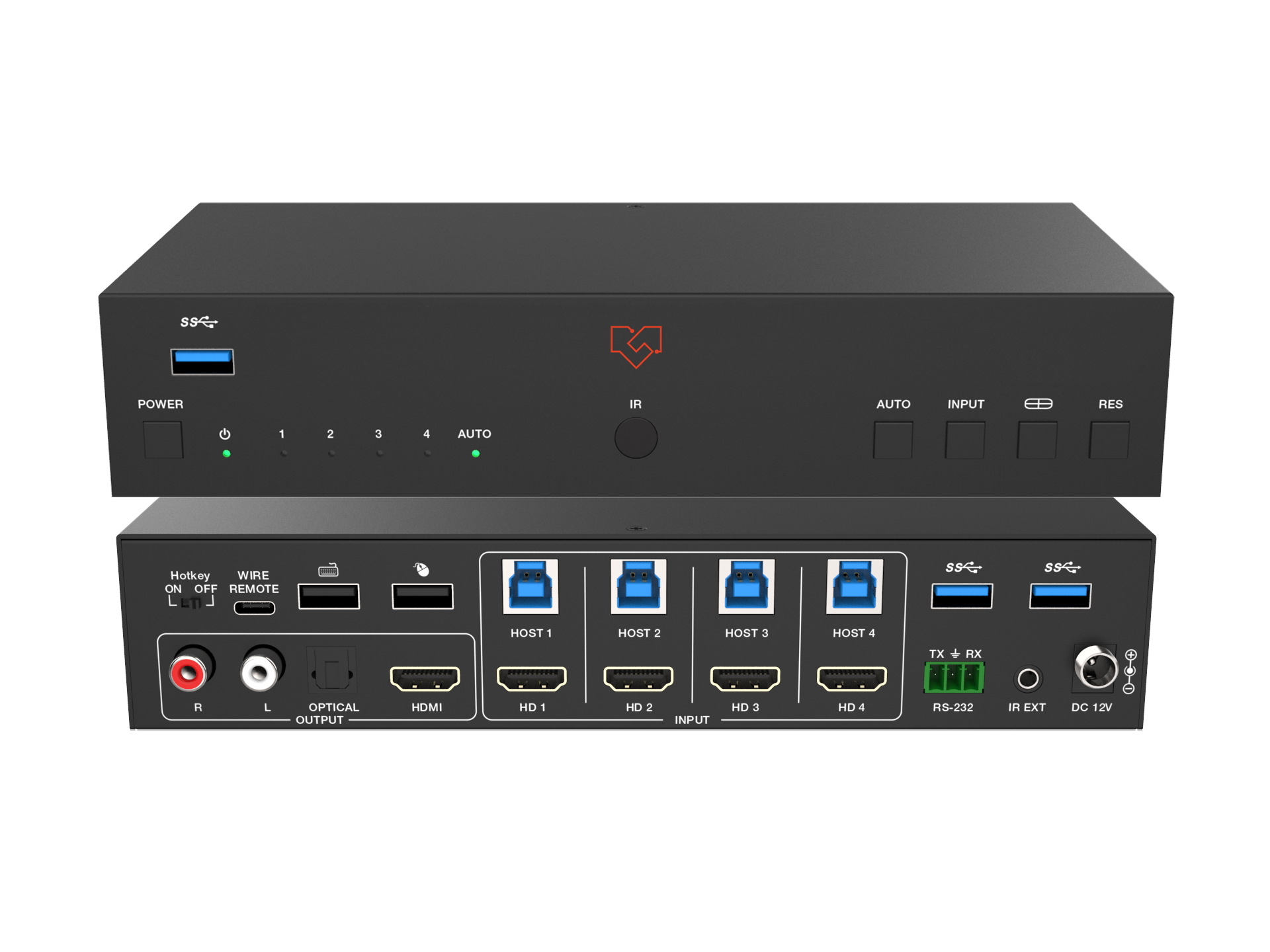
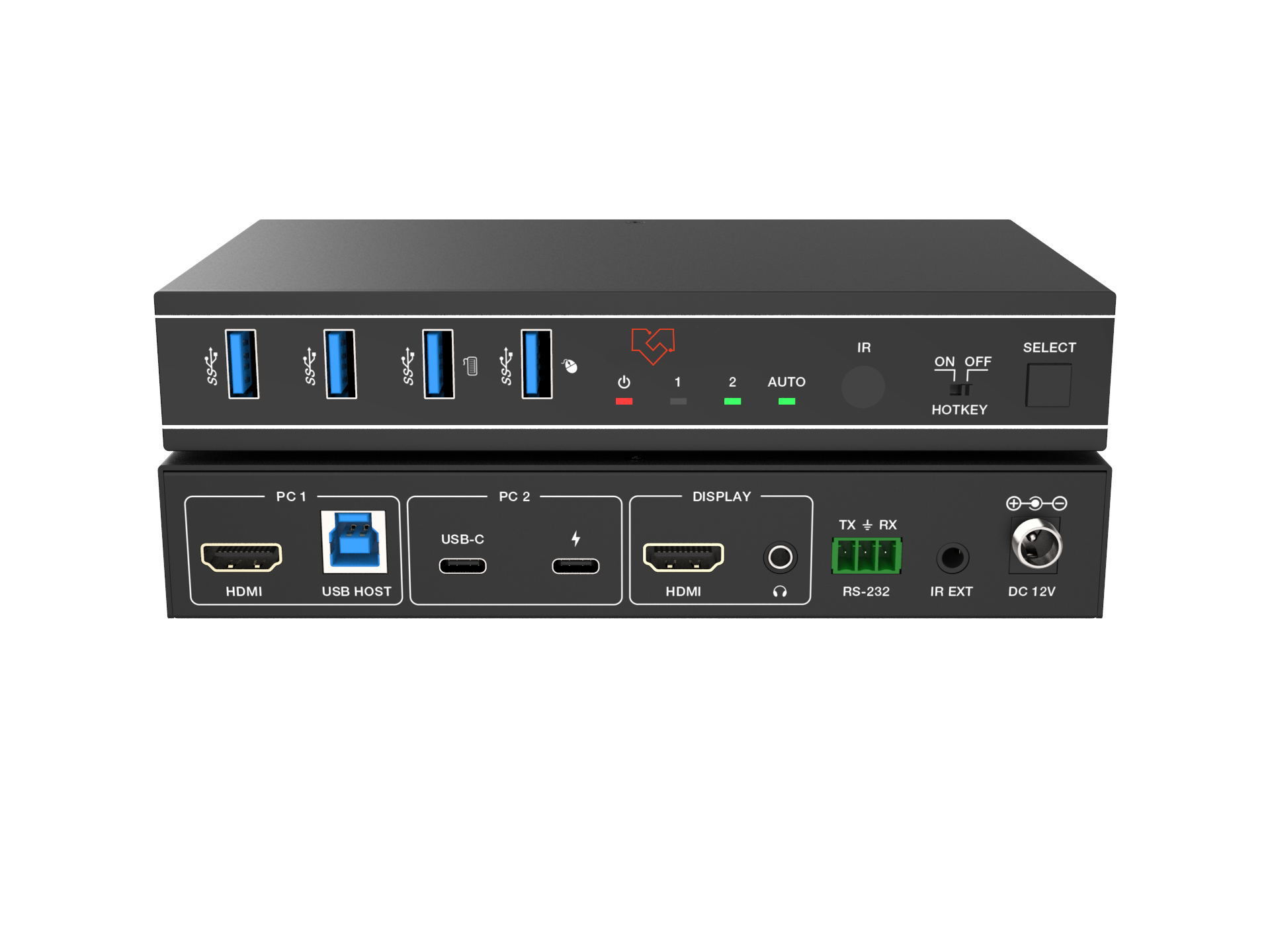
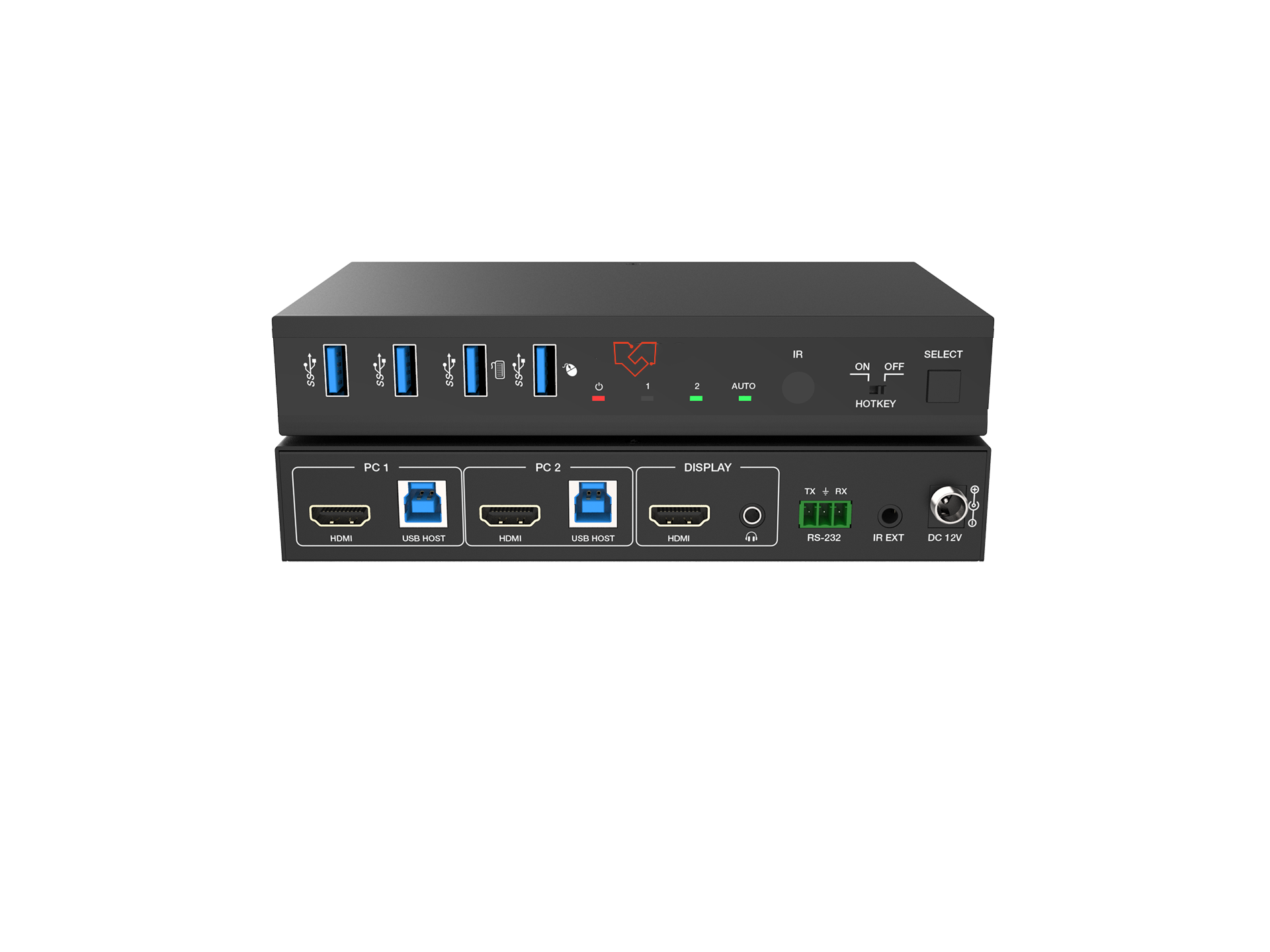
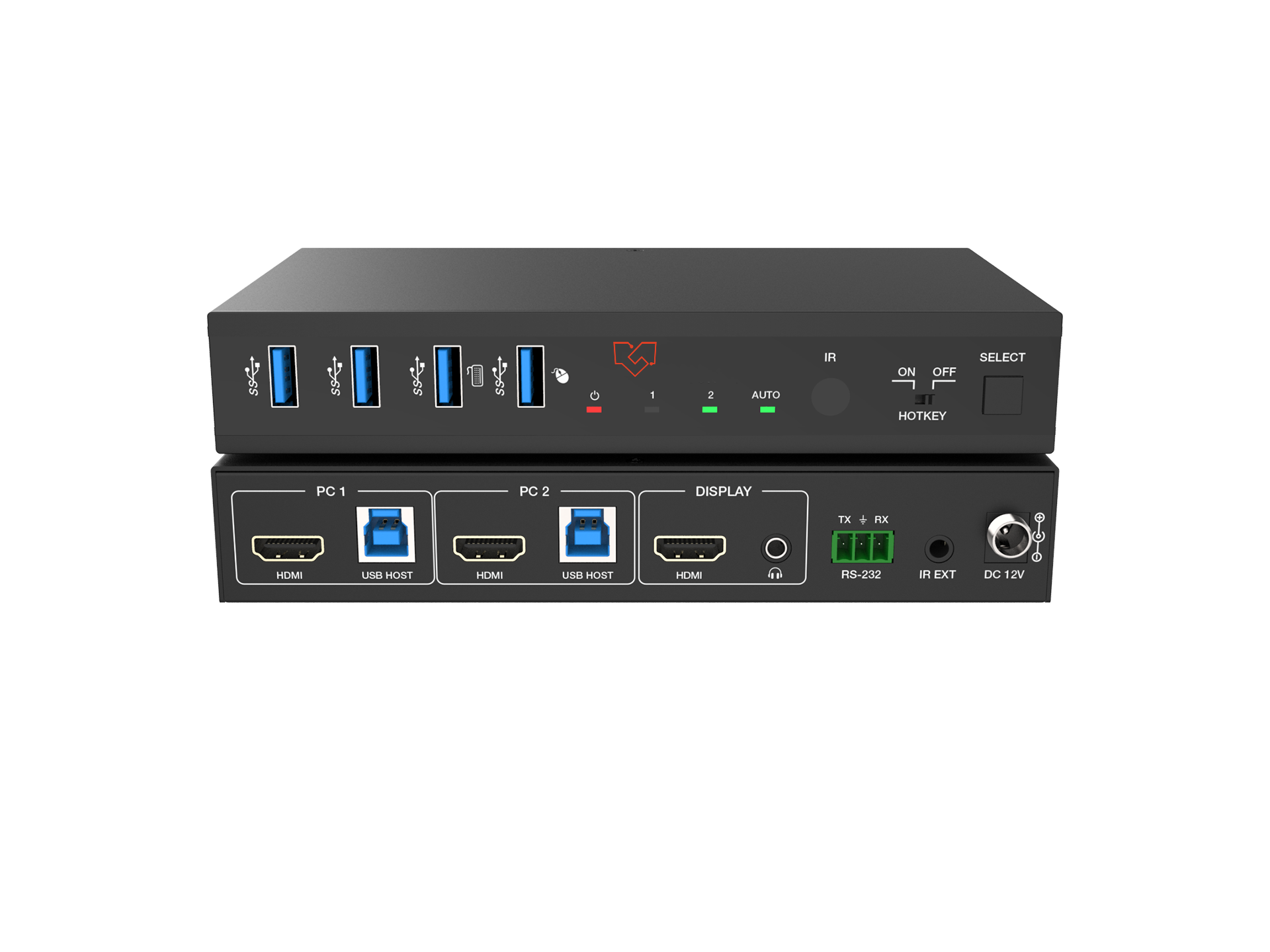
VigilLink's single-monitor KVM switcher series enables one display, keyboard, and mouse to control two or four computers — without unplugging cables or swapping peripherals between systems. Designed for professional workstations where multiple computers must share a single high-resolution display, our KVM switchers delivers 4K@60Hz through 8K@60Hz video fidelity with seamless source switching, full USB keyboard and mouse passthrough, and — on select models — native USB-C input compatibility and integrated multiviewer functionality. Every model supports front-panel button switching, hotkey switching, and mouse-click switching, giving operators multiple control methods suited to any workflow environment.
Choosing the Right Single-Monitor KVM Switcher
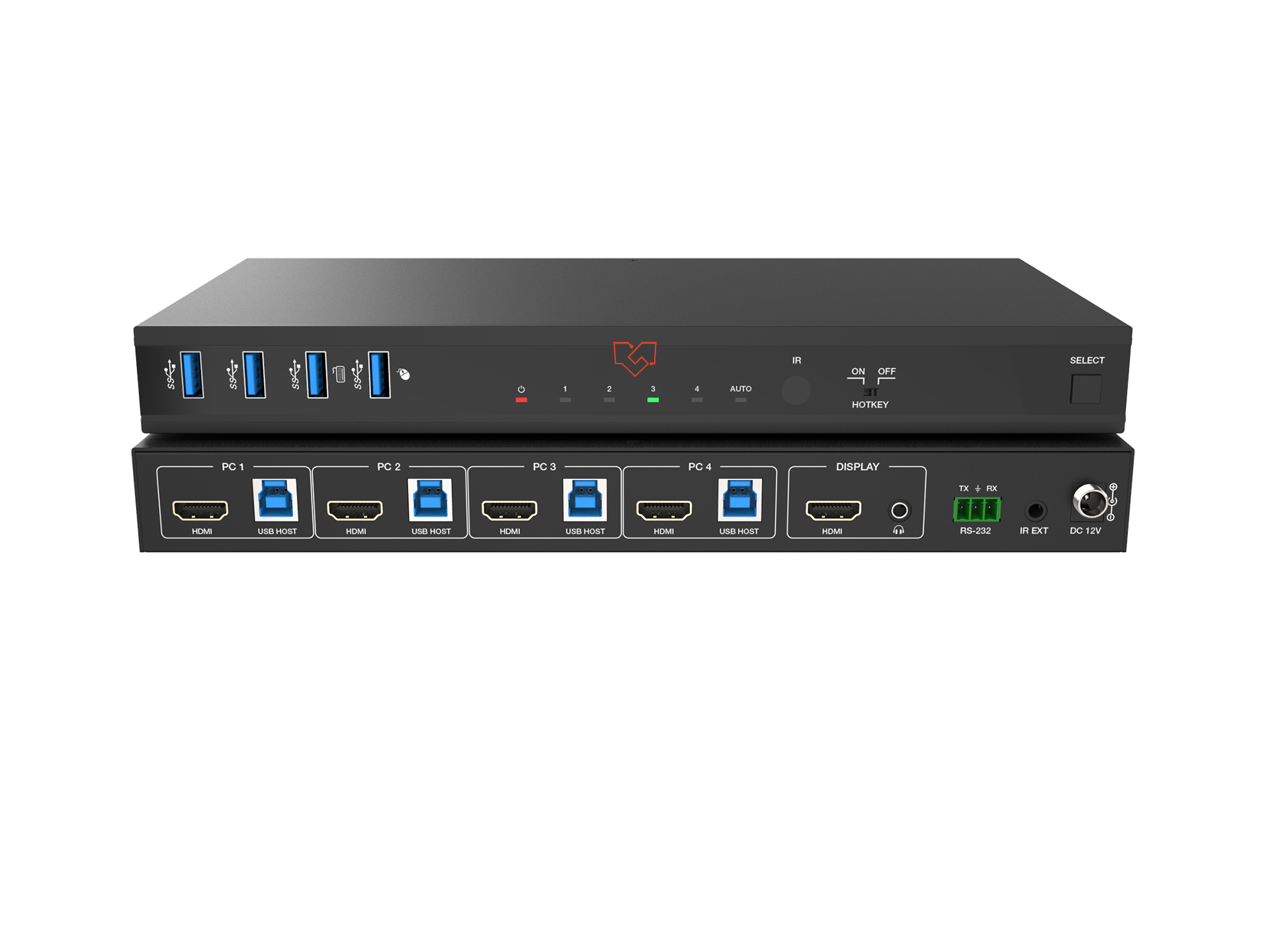
4K@60Hz HDMI — Standard (VLKV-H2021 / VLKV-H2041): Two-port and four-port HDMI KVM switchers for single-monitor 4K@60Hz workstations. The VLKV-H2021 switches between two computers on a 4K@60Hz HDMI display; the VLKV-H2041 extends this to four computers. Choose this family for corporate IT, server management, and any dual- or quad-computer workstation operating at standard 4K@60Hz resolution.
4K@60Hz HDMI/USB-C (VLKV-H20C21): A 2-port KVM switcher that accepts one HDMI input and one USB-C input, sharing a single HDMI output display and USB peripherals across both. Purpose-built for mixed-source workstations combining a desktop computer (HDMI) with a laptop or modern workstation (USB-C/Thunderbolt). No additional adapter is required for the USB-C source.
4K@60Hz HDMI with Multiviewer (VLKV-H2041M): A 4-port seamless KVM switcher with an integrated multiviewer. In multiviewer mode, all four computer sources are displayed simultaneously on the connected monitor in a quad-split layout before full-screen switching. The seamless switching engine eliminates display black-out during source transitions. Ideal for broadcast operations, control room positions, and any environment where monitoring all sources simultaneously is operationally critical.
8K@60Hz HDMI — 2-Port and 4-Port (VLKV-H2121 / VLKV-H2141): For workstations driving 8K displays. The VLKV-H2121 (2-port) and VLKV-H2141 (4-port) deliver full 8K@60Hz resolution on all ports. Choose this family for 8K post-production, broadcast monitoring, and high-resolution visualization environments where 4K@60Hz is insufficient.
Frequently Asked Questions
How do I switch between computers on a VigilLink single-monitor KVM switcher?
VigilLink single-monitor KVM switchers support three switching methods: front-panel push-button, keyboard hotkey sequence, and mouse-click switching (by clicking in the corner of the active display). All three methods are available simultaneously, so operators can choose the most convenient method for their workflow without additional configuration.
What USB devices are shared through a single-monitor KVM switcher?
VigilLink VLKV-series single-monitor KVM switchers share USB keyboard and mouse (HID devices) between connected computers. The active computer receives full keyboard and mouse input, while the non-active computers do not. Check individual product specifications for USB hub port support if sharing additional USB peripherals is required.
Does video display go blank when switching between computers?
On standard KVM models (VLKV-H2021, VLKV-H2041, VLKV-H20C21, VLKV-H2121, VLKV-H2141), there is a brief HDMI negotiation period during switching while the display handshakes with the new source — typical for HDMI KVM devices. The VLKV-H2041M features seamless switching that eliminates this blank period, transitioning directly between sources without display interruption.
What is the difference between the VLKV-H2041 and the VLKV-H2041M?
Both are 4-port 4K@60Hz HDMI KVM switchers. The VLKV-H2041M adds two key features: a built-in multiviewer that displays all four sources simultaneously on a single monitor, and seamless (instant, no-blank) source switching. The VLKV-H2041 is the standard 4-port model without multiviewer. Choose the VLKV-H2041M when continuous visibility of all sources is operationally required.
Can I use the VLKV-H20C21 with a MacBook USB-C output?
Yes. The VLKV-H20C21 accepts standard USB-C DisplayPort Alternate Mode video input, which is the video output standard used by MacBook Pro, MacBook Air, and other USB-C/Thunderbolt laptops. The USB-C port also handles USB keyboard and mouse data for that source simultaneously. The second port accepts a standard HDMI input from any HDMI-equipped computer.