Home > KVM Solutions > Dual Monitor KVM Switchers > VLKV-H202D
2 Port Dual Monitor 4K60 HDMI KVM Switcher
VLKV-H202D
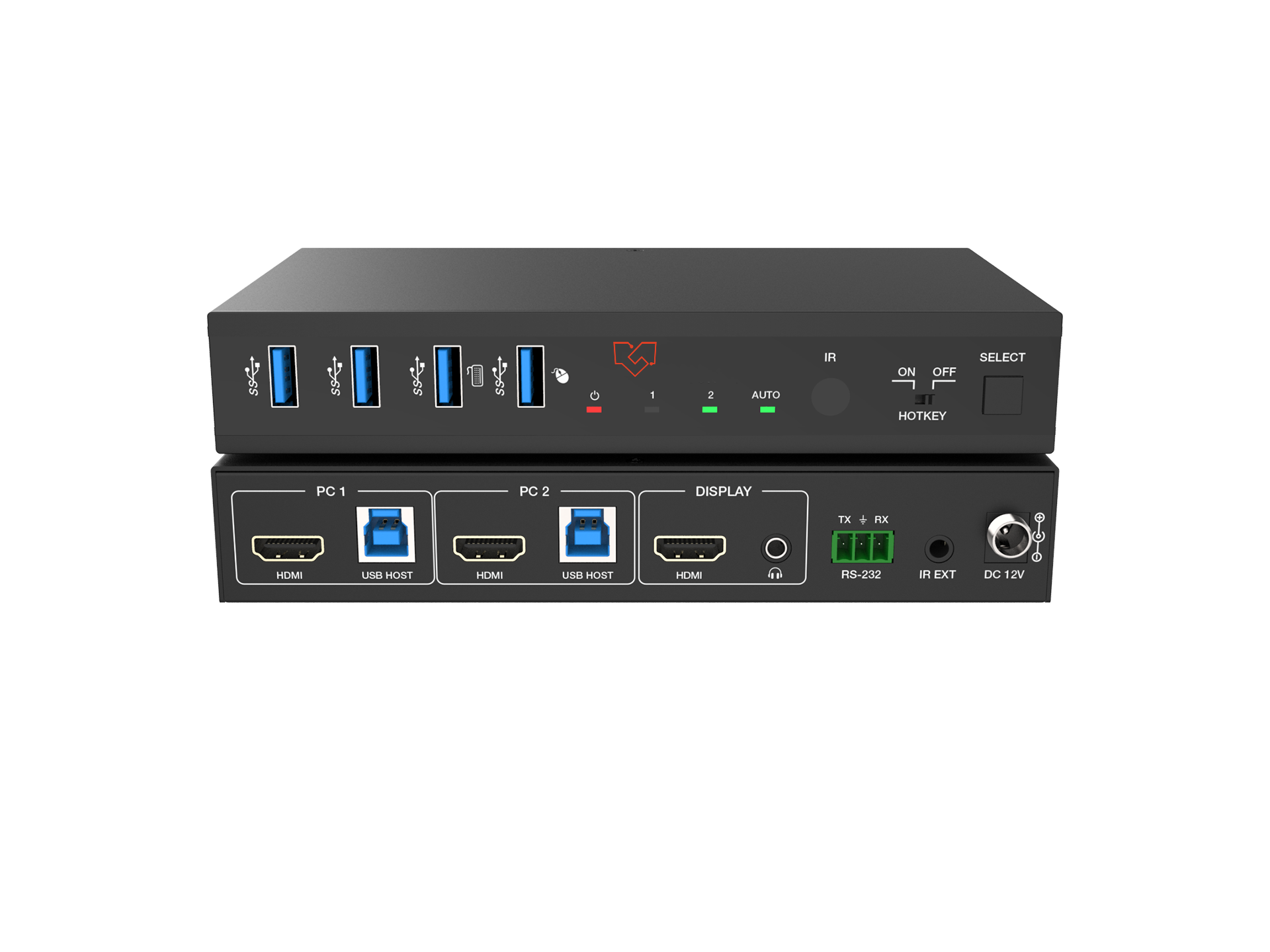
2-port dual-monitor 4K60 HDMI KVM switcher that controls two computers across two shared displays from a single keyboard and mouse
4K@60Hz 4:4:4 8-bit HDMI 2.0 video with HDR10+, Dolby Vision, and HLG pass-through on both monitors
USB 3.0 peripheral sharing up to 5Gbps for keyboards, mice, printers, webcams, and external storage
Multiple switching methods including front-panel buttons, keyboard/mouse hotkeys, IR remote, and RS-232 control

Product Description
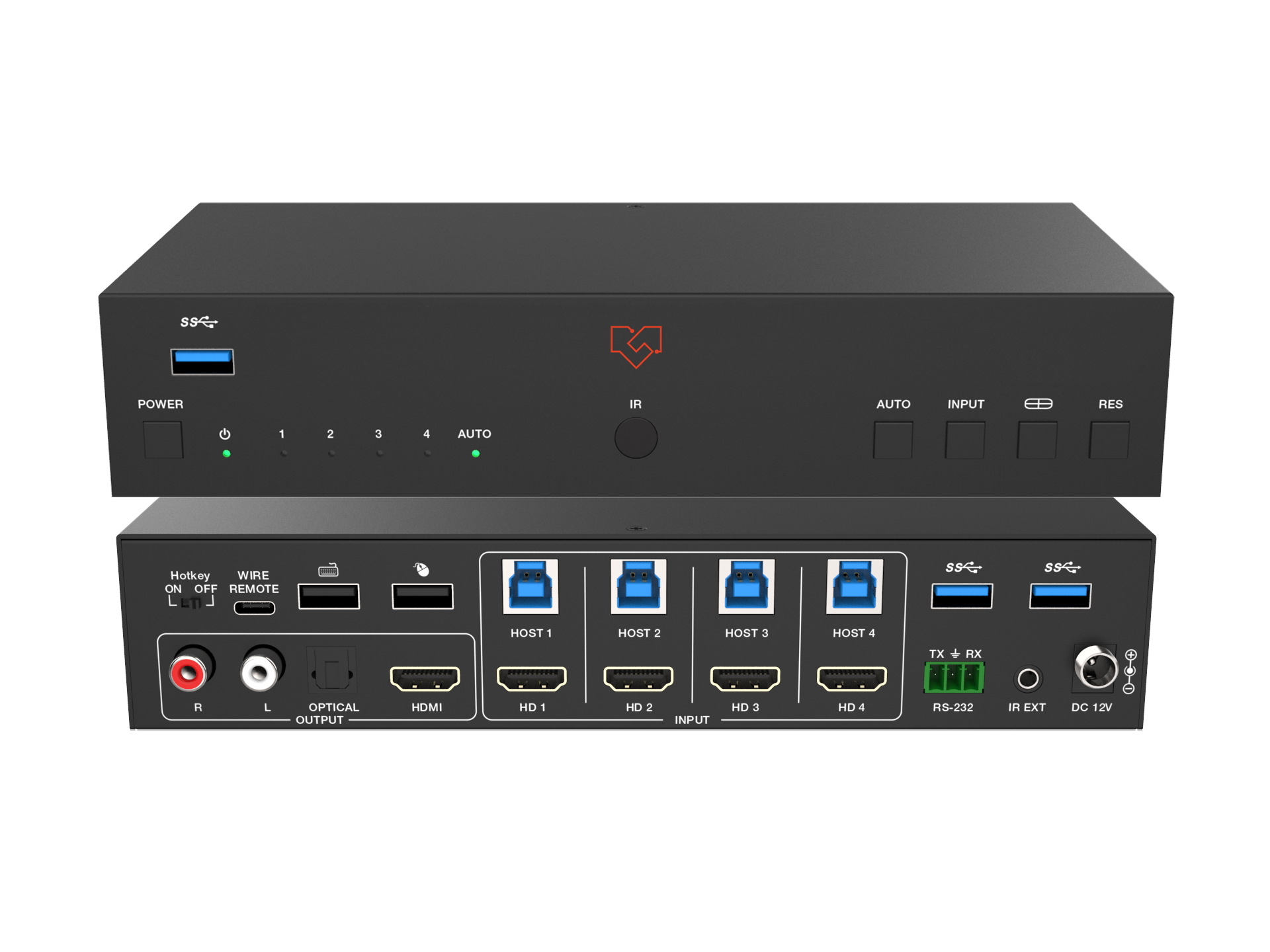
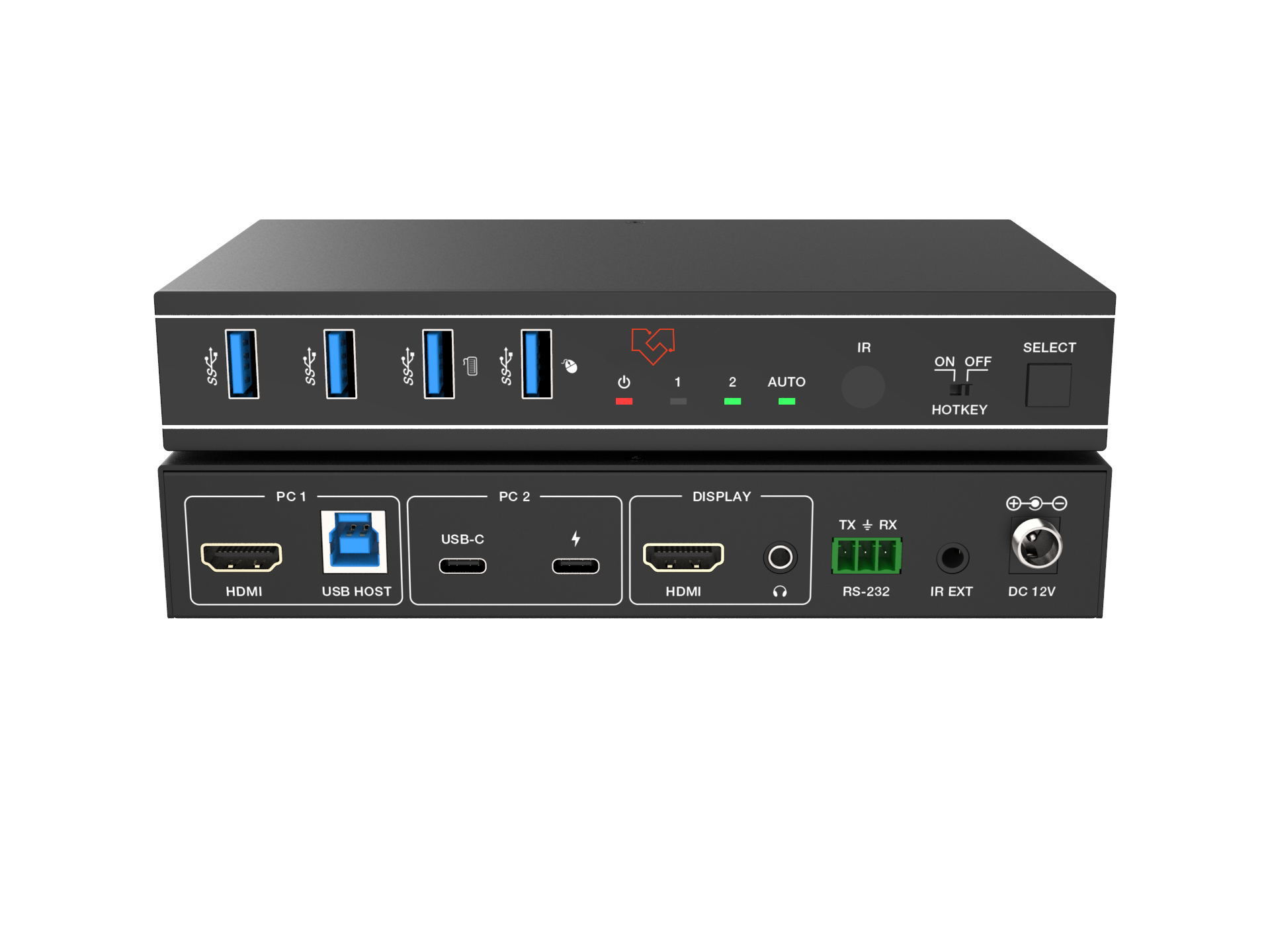
The VLKV-H202D is a 2-port dual-monitor KVM switcher that lets two computers share the same dual-display workstation, keyboard, mouse, and USB peripherals. Each computer connects through two HDMI inputs and drives two monitors at up to 4K@60Hz 4:4:4 8-bit, with HDR10+, Dolby Vision, and HLG pass-through preserved across both screens. An EDID emulator on every input reports correct display information to each PC, so resolutions stay stable through every switch. Built on HDMI 2.0 with 18Gbps bandwidth and HDCP 2.3 compliance, it supports ultra-wide formats and refresh rates up to 2K@144Hz.
Integrated USB 3.0 sharing moves keyboards, mice, printers, webcams, and external drives between both computers at up to 5Gbps, while a virtual interaction function keeps each connected PC awake and ready so switching stays fast. You can change source computers from the front-panel buttons, keyboard and mouse hotkeys, the included IR remote, or RS-232 commands, and auto-switching handles source changes without manual input. Driver-free operation across Windows, macOS, and Linux means plug-and-play setup, and the compact metal enclosure with mounting ears fits neatly into desktop and under-desk installations.
Key Features
HDMI 2.0 and HDCP 2.3 compliant
Supports ultra-wide resolutions up to 4K@60Hz and 2K@60Hz/144Hz
HDR, HDR10, HDR10+, Dolby Vision, and HLG pass-through
Controls two computers across two shared monitors with one keyboard and mouse
Video fast switching with seamless keyboard and mouse switching
EDID emulator on each input reports correct display data to each connected PC
Hot-plug support for connecting or disconnecting devices at any time
Switching by front-panel buttons, keyboard/mouse hotkeys, IR remote, and RS-232 commands
Auto-switching plus virtual interaction wake-up for connected PCs in standby
USB 3.0 peripheral sharing up to 5Gbps for printers, scanners, webcams, and external drives
Zero-latency switching from advanced hardware and software design
Compact metal enclosure with mounting ears for flexible installation
Downloads
Ideal Applications
Financial Trading Desks & Dealer Rooms
Traders often run a dedicated market-data machine alongside a separate order-entry PC. The VLKV-H202D drives both across a single dual-monitor rig, so a trader switches the entire two-screen view between systems by hotkey without adding a second keyboard and mouse. USB 3.0 sharing keeps order-entry peripherals and recording devices available to whichever machine is active.
Control Rooms & Security Operations Centers
Operators monitoring two independent systems on a dual-display console can toggle both screens together from front-panel buttons or an IR remote. RS-232 control lets the switcher drop into existing room automation, and zero-latency switching keeps live monitoring responsive during shift changes.
Broadcast & Post-Production Editing Suites
Editors sharing a color-critical dual-monitor rig between an online and an offline system get 4:4:4 color and HDR10+/Dolby Vision pass-through on both screens. USB 3.0 at up to 5Gbps speeds media ingest from external drives, and the EDID emulator keeps each system locked to the correct display timing.
Software Development & Engineering Workstations
Developers frequently switch between a primary workstation and a test or build machine. Driver-free plug-and-play across Windows, macOS, and Linux means both connect without software, and hotkey switching moves the full dual-display environment between them without breaking a debug session.
Clinical Review & Imaging Stations
Where a records PC and a high-resolution imaging workstation share one dual-monitor position, the switcher keeps display timing stable through EDID emulation and supports hot-plug for peripherals. Staff switch both screens with one action, reducing desk clutter in space-constrained review areas.
Design & Content Creation Studios
Creators running two workstations across a wide dual-monitor canvas keep full 4:4:4 color fidelity on both displays and share tablets, styluses, and external storage over USB 3.0. The compact enclosure mounts under a desk to keep the working surface clear.
Specifications
| Technical | |
|---|---|
| HDMI Compliance | HDMI 2.0 |
| HDCP Compliance | HDCP 2.3 |
| Video Bandwidth | 18Gbps |
| Audio Latency | Zero latency |
| Video Latency | Zero latency |
| Video Resolution | Up to 4K@60Hz, 2K@60Hz/144Hz |
| Color Space | RGB, YCbCr 4:4:4, YCbCr 4:2:2, YCbCr 4:2:0 |
| Color Depth | 8-bit / 10-bit / 12-bit |
| HDR | HDR, HDR10, HDR10+, Dolby Vision, HLG |
| IR Level | 5Vp-p |
| IR Frequency | Fixed frequency 38KHz |
| Audio Formats | HDMI IN/OUT: LPCM, Dolby Digital / Plus / EX, Dolby TrueHD, Dolby Atmos, DTS, DTS-EX, DTS-96/24, DTS High Res, DTS-HD Master Audio, DTS:X, DSD. L/R OUT: PCM 2.0CH |
| ESD Protection | IEC 61000-4-2: ±8kV (air-gap discharge), ±4kV (contact discharge) |
| Connection | |
| Input Ports | 4 x HDMI input [Type A, 19-pin female] |
| Output Ports | 2 x HDMI output [Type A, 19-pin female] 1 x L/R audio output [3.5mm stereo mini-jack] |
| Control Ports | 1 x RS-232 [3pin-3.81mm phoenix connector] 1 x IR EXT [3.5mm stereo mini-jack] 2 x USB HOST [USB Type B] 4 x USB DEVICES [USB Type A] |
| Mechanical | |
| Housing | Metal Enclosure |
| Color | Black |
| Dimensions | 220mm (W) x 100mm (D) x 30mm (H) |
| Weight | 626g |
| Power Supply | Input: AC 100-240V 50/60Hz Output: DC 12V/1A (US/EU standard, CE/FCC/UL certified) |
| Power Consumption | Typical 5.18W; Standby 0.6W |
| Operating Temperature | 32 - 104°F / 0 - 40°C |
| Storage Temperature | -4 - 140°F / -20 - 60°C |
| Relative Humidity | 20 - 90% RH (non-condensing) |
| Recommended HDMI Cable | |
| 4K60 4:4:4 | 5m / 16ft (HDMI IN/OUT) |
| 1080P 4:4:4 | 10m / 33ft (HDMI IN/OUT) |
| Premium High Speed HDMI cable is highly recommended. | |
What’s in the Box
1 × VLKV-H202D 4K60 2x1 Dual-Monitor KVM Switcher
1 × IR Remote
1 × 3-pin 3.81mm Phoenix Connector (male)
1 × Fixed-Frequency 38KHz IR Receiver Cable (1.5m)
2 × USB Cable (USB 3.0, Type A to Type B, 1.8m)
4 × HDMI Cable (male to male, 1.5m)
2 × Mounting Ears
4 × Machine Screws (KM3*4)
1 × 12V/1A Multinational Locking Power Supply
1 × User Manual
FAQs
Which operating systems does the VLKV-H202D work with?
It works with Windows, macOS, and Linux with no driver installation required. Connection is plug and play, so both computers are recognized as soon as they are cabled in.
Does each computer drive two monitors, or is it one monitor per computer?
Each of the two computers connects through two HDMI inputs and drives both shared monitors, so this is a dual-head setup. When you switch, both displays move to the selected computer together, giving that machine the full two-screen workstation, keyboard, mouse, and USB peripherals.
What is the maximum resolution, and does it support HDR?
The switcher supports up to 4K@60Hz 4:4:4 at 8-bit and 2K@60Hz/144Hz on both outputs, with deeper 10-bit and 12-bit color available at reduced chroma. HDR, HDR10, HDR10+, Dolby Vision, and HLG are passed through unchanged.
Can I share USB 3.0 peripherals like external drives and webcams?
Yes. The integrated USB 3.0 ports let you share printers, scanners, webcams, and external hard drives between both computers at data rates up to 5Gbps, so fast peripherals stay fast on whichever machine is active.
How do I switch between the two computers?
You can switch from the front-panel buttons, keyboard and mouse hotkeys, the included IR remote, or RS-232 commands. Auto-switching is also supported, so the switcher can follow an active source without manual input.
Does switching add lag, and what happens if a computer is asleep?
Switching is zero-latency by design. A virtual interaction function keeps each connected PC awake and ready even in standby, which shortens the time it takes to bring a machine back into view when you switch to it.
What HDMI cable length can I use?
For 4K60 4:4:4, use cables up to 5m/16ft; for 1080p, up to 10m/33ft. Premium High Speed HDMI cable is recommended for reliable performance at 4K.
Can I get a separate audio output?
Yes. Alongside HDMI audio, the switcher provides an analog L/R output on a 3.5mm stereo mini-jack with PCM 2.0 audio, so you can feed powered speakers or an amplifier directly.
More Product Information
Related Products
-
![VLKV-H2021]()
2 Port 4K60 HDMI KVM Switcher
-
![VLKV-H2121]()
2 Port 8k HDMI KVM Switcher
-
![VLKV-H2041]()
4 Port 8K60 HDMI KVM Switcher
-
![VLKV-H2141]()
4 Port 8K60 HDMI KVM Switcher
-
![VLKV-H202D]()
2 Port Dual Monitor 4K60 HDMI KVM Switcher
-
![VLKV-H212D]()
2 Port Dual Monitor 4K60 HDMI/DP KVM Switcher
-
![VLKV-H2041M]()
4 Port 4K60 HDMI Seamless KVM Switcher /w Multiviewer
-
![VLKV-H20C21]()
2 Port 4K60 HDMI/USB-C KVM Switcher